To start, you must install and activate the plugin on your website. If you are using WordPress.com, you need to be subscribed to a WordPress.com plan that allows you to install plugins.

After installing and activating the Trustindex.io plugin, you can begin the process of adding your Google business listing by accessing the new menu on your WordPress Admin. No need for a Google API key.
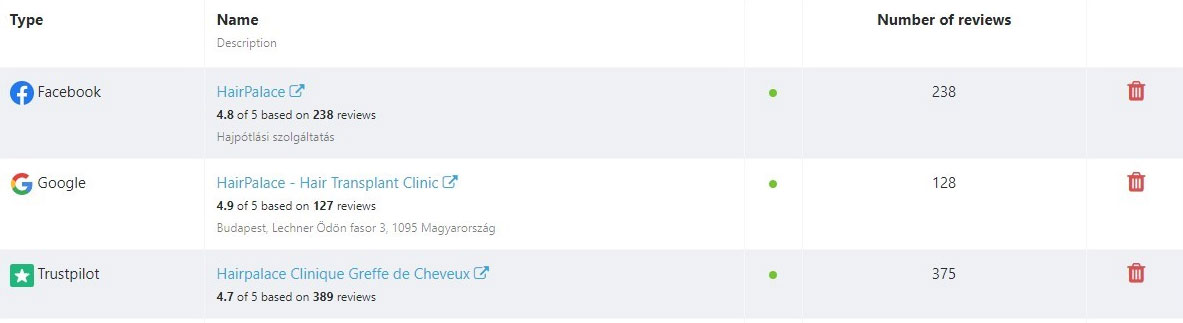
To begin, you must enter your Google Place ID to inform the plugin which business's Google reviews you would like to show in the pop-up window after clicking Connect.
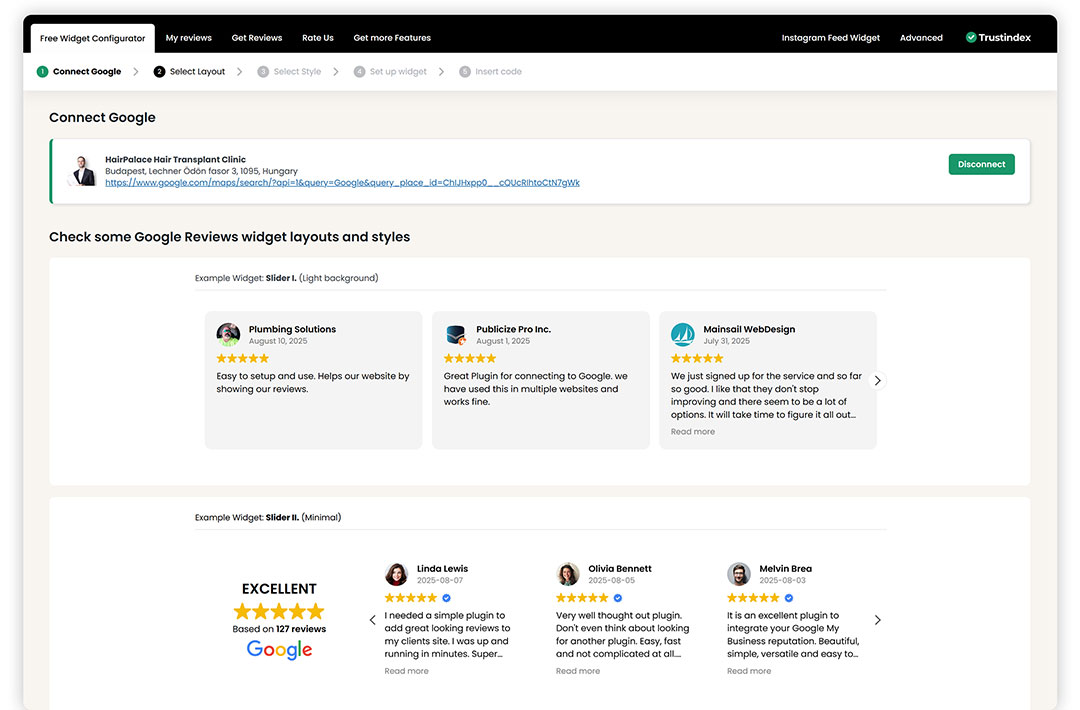
Once you click the 'Connect' button, the plugin will automatically retrieve genuine Google Reviews for your company.
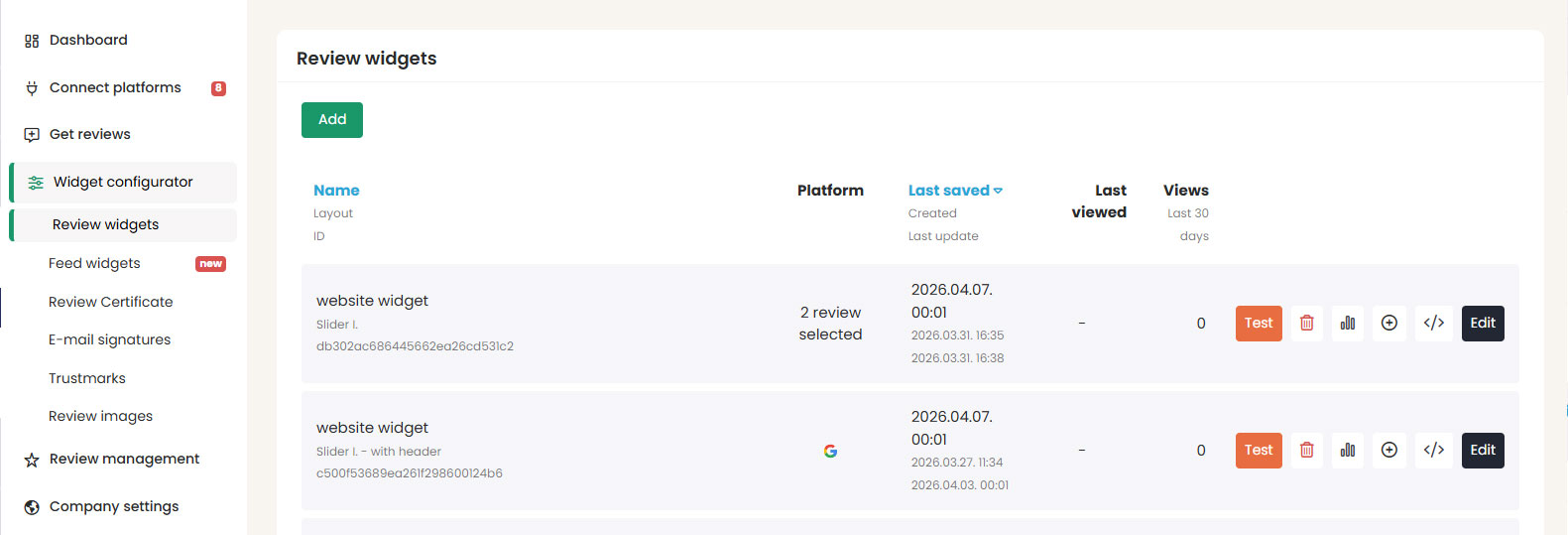
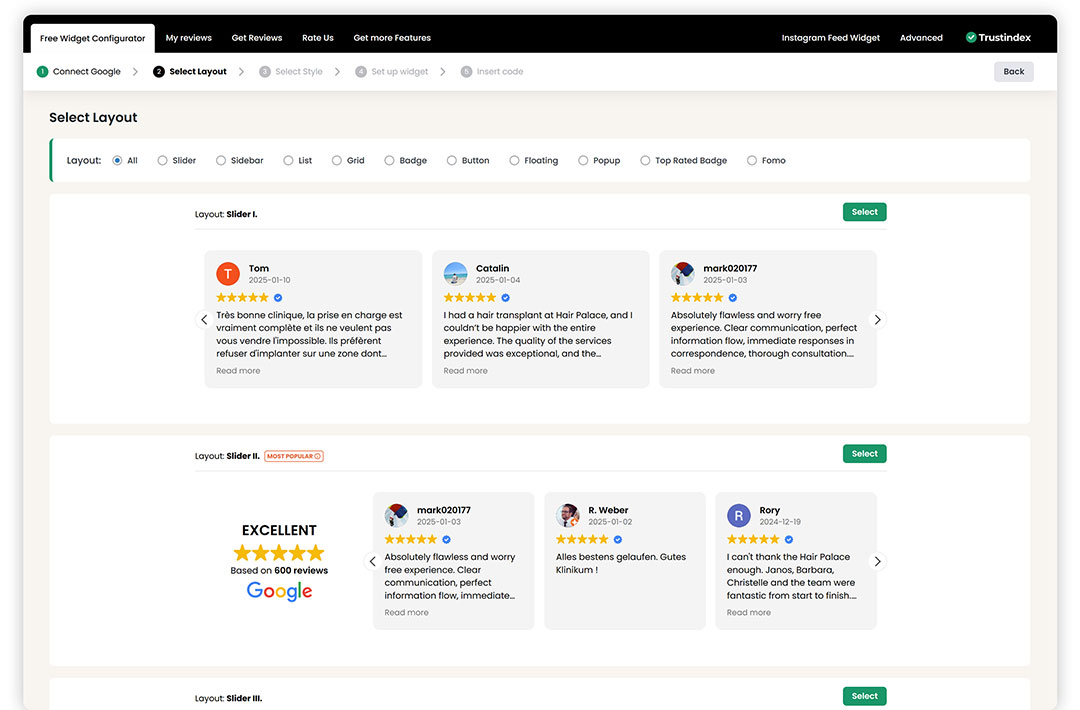
You can select from a number of formats, such as sliders, lists, grids, badges, and more.
After finding the layout that you like, press the blue 'Select' button beside it.
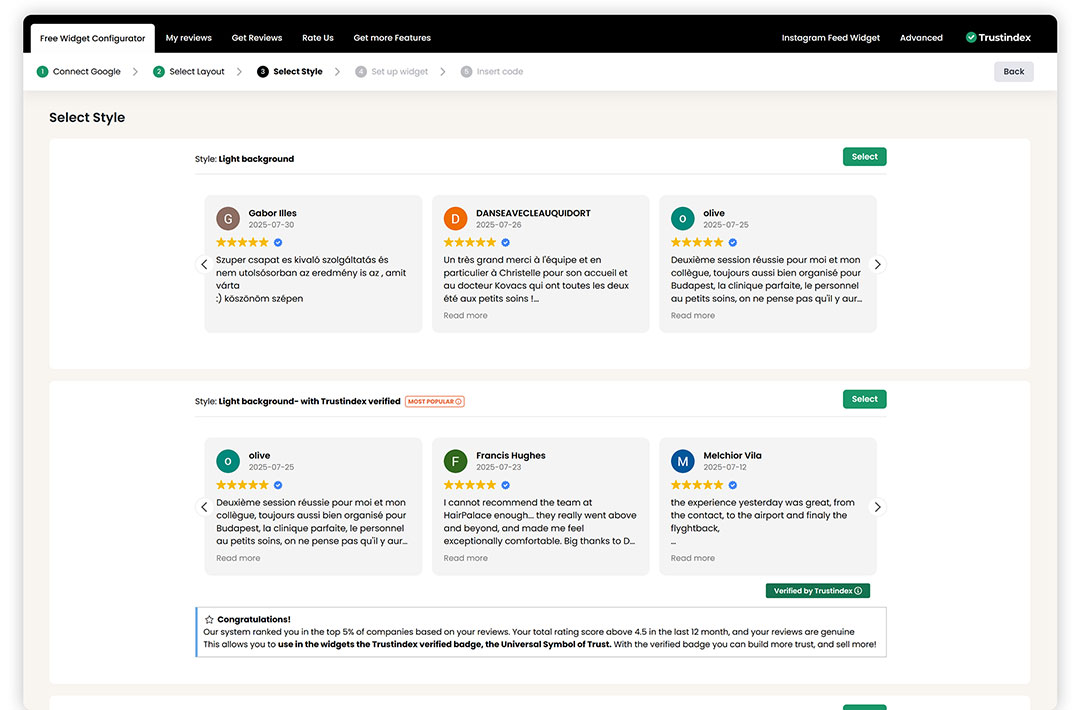
Then, you can customize the style of the layout you have chosen.
After picking your layout, you can further personalize the widget theme by deciding on different background colors or borders.
Once you're satisfied with the look of your Google reviews widget, click on Select.
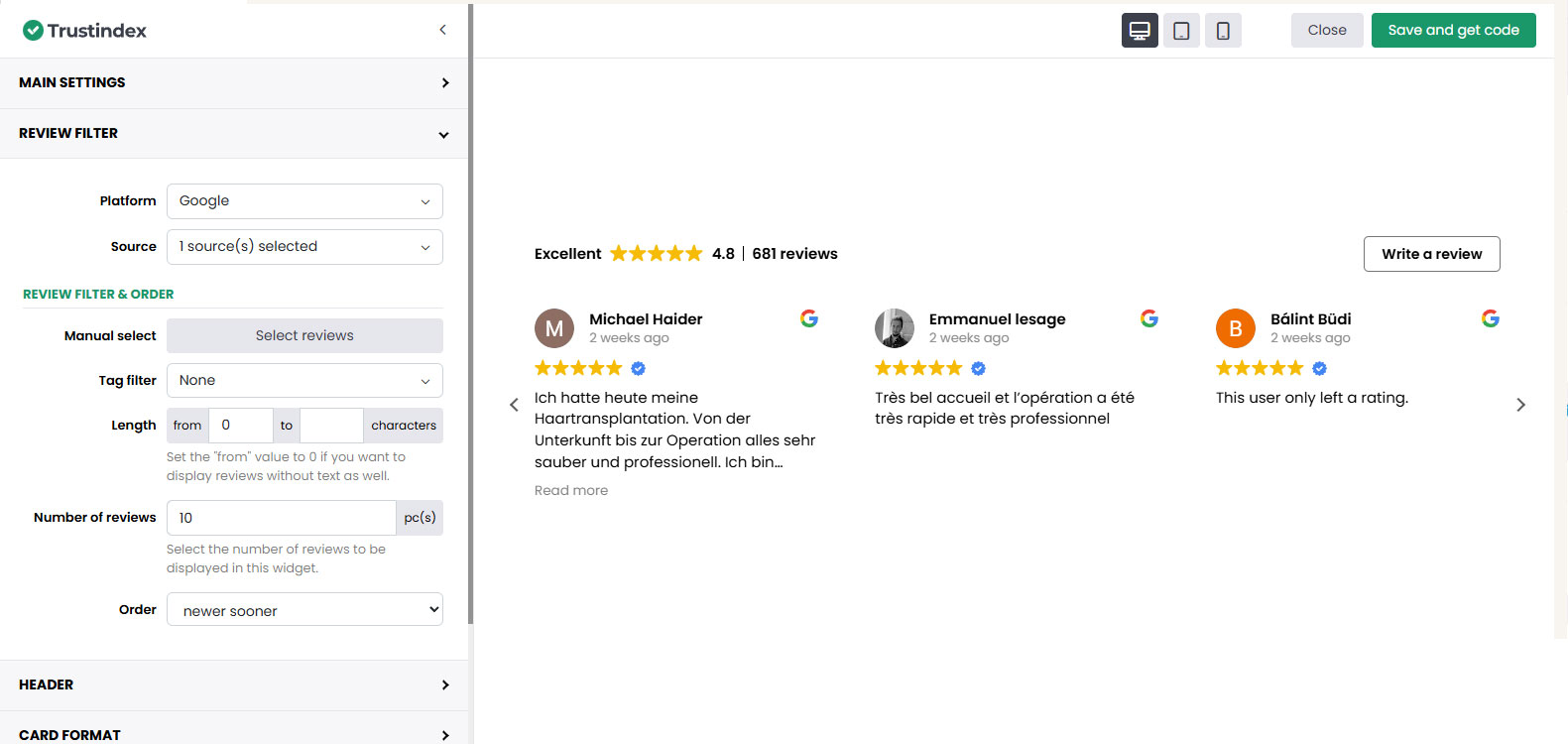
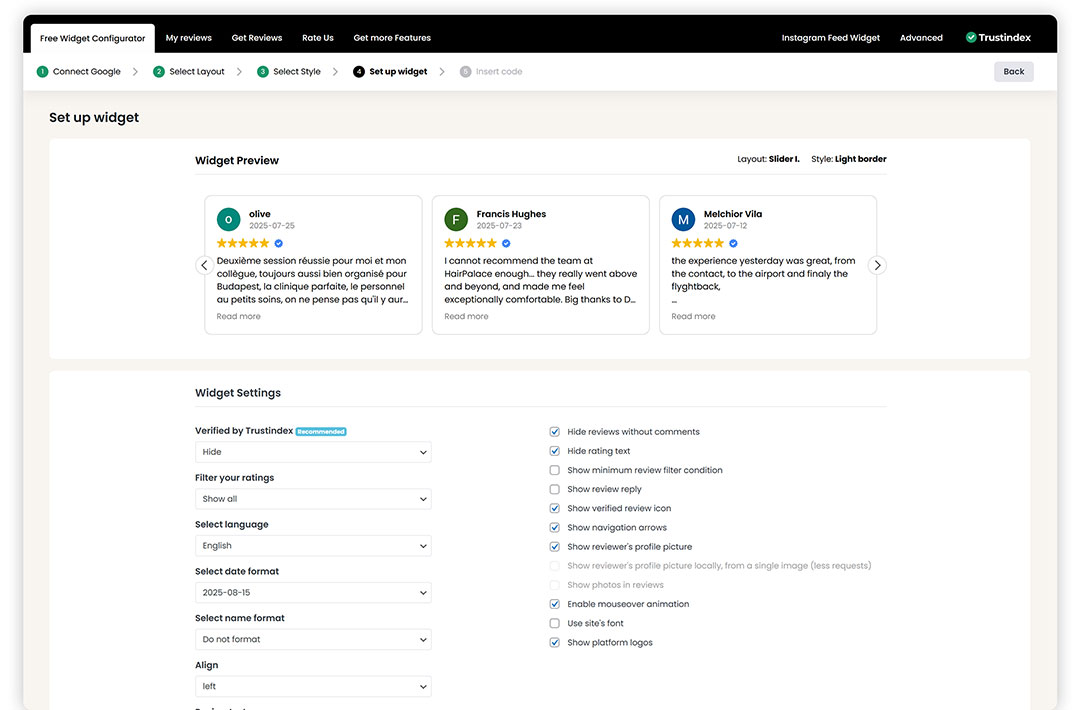
After that, you can set up the way your widget operates, like deciding which Google reviews to show and if a reviewer's profile picture should be included. For instance, you could select a preferred language or star rating filter for the Google reviews widget to only show positive reviews and completely filter out negative reviews.
When you're finished with customizing, click Save and get code.
At the end, you need to click Copy to clipboard and insert the shortcode provided by the plugin to the position where you would like to show your Google Reviews widget on your WordPress website.
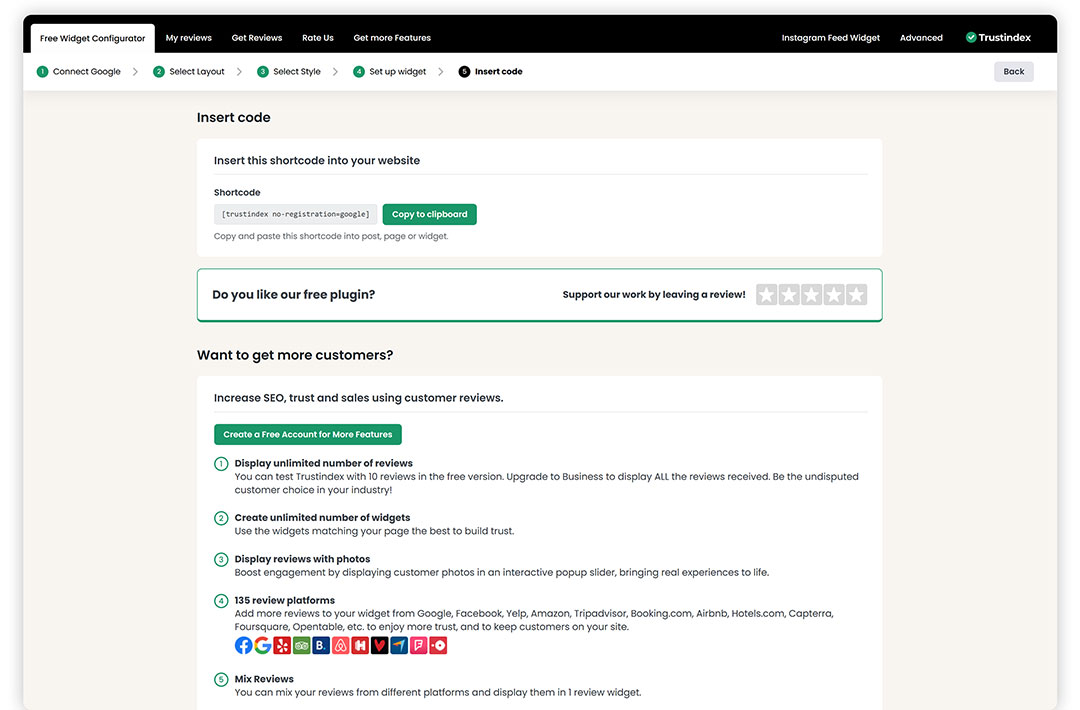
That's all! Embedding Google reviews into your website takes no time now.